Tabs
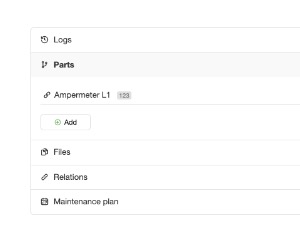
Tabbed panels defined by section elements with a data-id and title, each with an optional icon
Configuration:
icon {String}a label icon for every panel (default:empty)
How to define panels?
<ui-component name="tabs" path="*tab" class="invisible">

    <section data-id="logs" title="Logs" data-icon="ti ti-history">

        HTML CONTENT

    </section>

    <section data-id="parts" title="Parts" data-icon="ti ti-code-branch">

        HTML CONTENT

    </section>

</ui-component>Attributes:
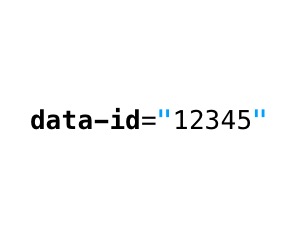
data-idrequired, it must contain an identifier of the paneltitlerequired, it must contain a panel nameiconoptional, it can contain Total.js Icon (default:config.icon)