Templates
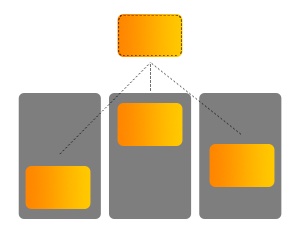
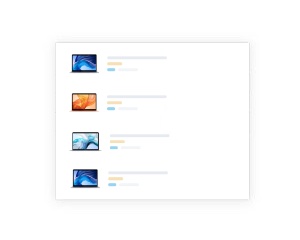
Renders a list from named templates, with drag and drop, custom scrollbars, context menu and an empty template
- multiple templates
- drag & drop
- custom scrollbars
- context menu
Configuration:
template {String}a path to the watching a template namescrollbar {Boolean}uses a custom scrollbar (default:true)scrolltop {Boolean}scrolls to top if the source is changed (default:true)visibleY {Boolean}shows scrollbar Y (default:true)margin {Number}a vertical margin (default:0)parent {String}jQuery selector to parent container due toscrollbar(default:auto)contextmenu {String}a path to the methodfunction(e)if the user triggers context-menuemptyif {String}a condition for showing of empty content (default:!value || !value.length)drop {String}a path to the methodfunction(e, target, selel)- the method is evaluated if the user drops some files, then
selelis undefined - or the user drags & drops element with the
draggableattribute (selelargument) into thetargetargument (target must containdroppableclass)
- the method is evaluated if the user drops some files, then
Templates must be defined in <script type="text/html" data-name="NAME_OF_TEMPLATE">Tangular template</script> element. This component supports one special template called empty that will be visible if the emptyif option will be valid.