Components
-
Children
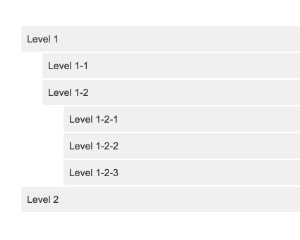
Try to understand the functionality from the example.
v1dark mode -
Movement
This component captures basic keyboard keys like arrows, enter and esc.
v1 -
Configuration
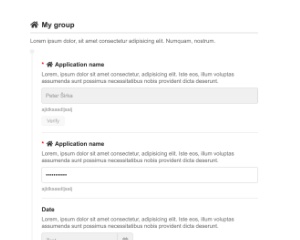
Settings form generated from a declaration of typed properties such as text, number, date, dropdown and color
v1dark mode -
Stats12
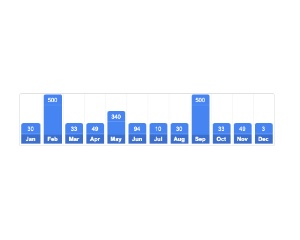
Bar chart of 12 monthly values, scaled to the largest value or a set maximum, with the current month optionally highlighted
v1 -
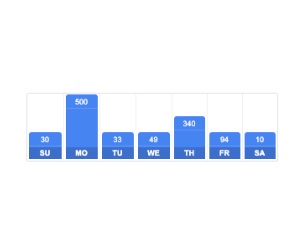
Stats7
Bar chart of seven daily values starting from a chosen first day of the week, with the current day optionally highlighted
v1 -

Paste
The component captures paste event.
v1 -

NavLayout
A simple and fully responsive navigation layout.
v1 -
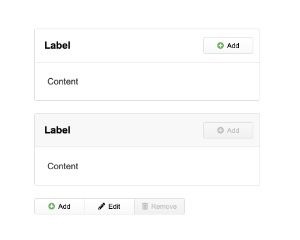
IntranetCSS
CSS for intranet applications built with the Total.js UI library.
v5dark mode -
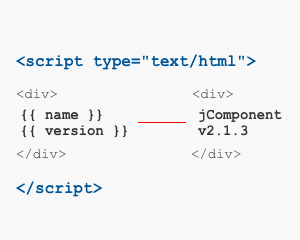
Templates
Renders a list from named templates, with drag and drop, custom scrollbars, context menu and an empty template
v1 -

FileBrowser
The component will open a file browser and returns selected files.
v1 -
Button
A simple button component with great features.
v1dark mode -
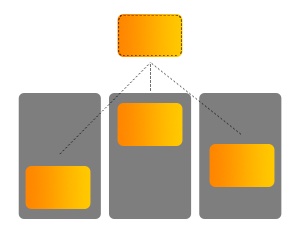
View
This component can be helpful for reusable views in intranet apps.
v1 -
FloatingPanel
You can combine methods with j-Shortcuts component.
v1dark mode -

Masonry
A simple Masonry component.
v1 -
Extend
This component is a specific component with powerful functionality.
v1 -
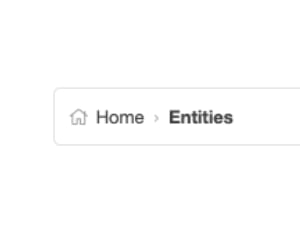
Breadcrumb
Breadcrumb navigation trail built from a data source, with a root link, configurable icons and an optional document title
v1dark mode -

IdleTime
Emits idle when the page has no mouse, keyboard, touch or focus activity for a set time, and reload when a hidden page is shown again
v1 -
Carousel2
If the component's path is changed then the component summarizes all cells again.
v1 -

Rows
The component Rows is a very simple alternative to j-Layout and j-Layout2.
v1 -
Slider
This slider works only with 100% X axis.
v1dark mode -
TangularJsonFormat
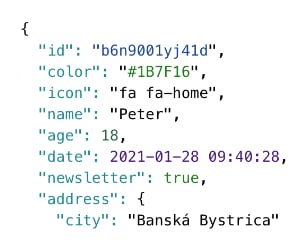
A simple Tangular helper for formatting of objects to more readable JSON.
v1dark mode -
Wysiwyg
Rich text editor with formatting, code highlighting, links and unordered lists, supporting dark mode and optional raw paste
v1dark mode -
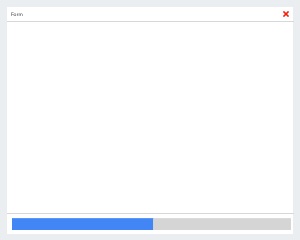
FullForm
Full-screen form displayed when the value of its path matches the if condition, with title, icon, submit and cancel hooks
v1dark mode -

Animation
This component can animate elements with .animation class.
v1 -
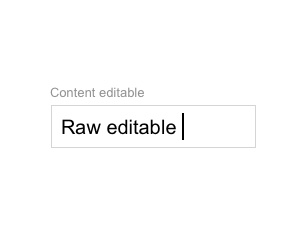
RawEditable
Minimal editable text field with type rules, validation, length limits and autocomplete, designed for custom extensions
v1 -
Ready
This component executes some operations when the component is ready.
v1 -

Columns
The component Columns is a very simple alternative to j-Layout and j-Layout2.
v1 -
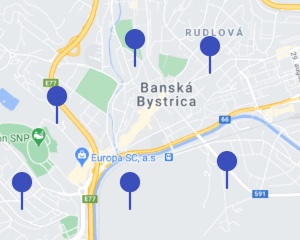
MapMarker
Google Maps marker bound to a path with GPS coordinates or an address, with an optional draggable marker and autocomplete
v1 -
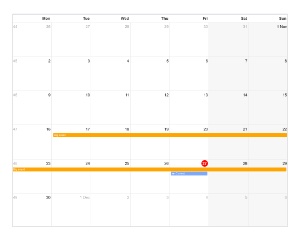
MonthlyCalendar
Month and day names are taken from MONTHS and DAYS properties defined in jComponent library.
v1dark mode -

iFrameViewer
This component show a layer (over the content) with a iframe.
v1dark mode